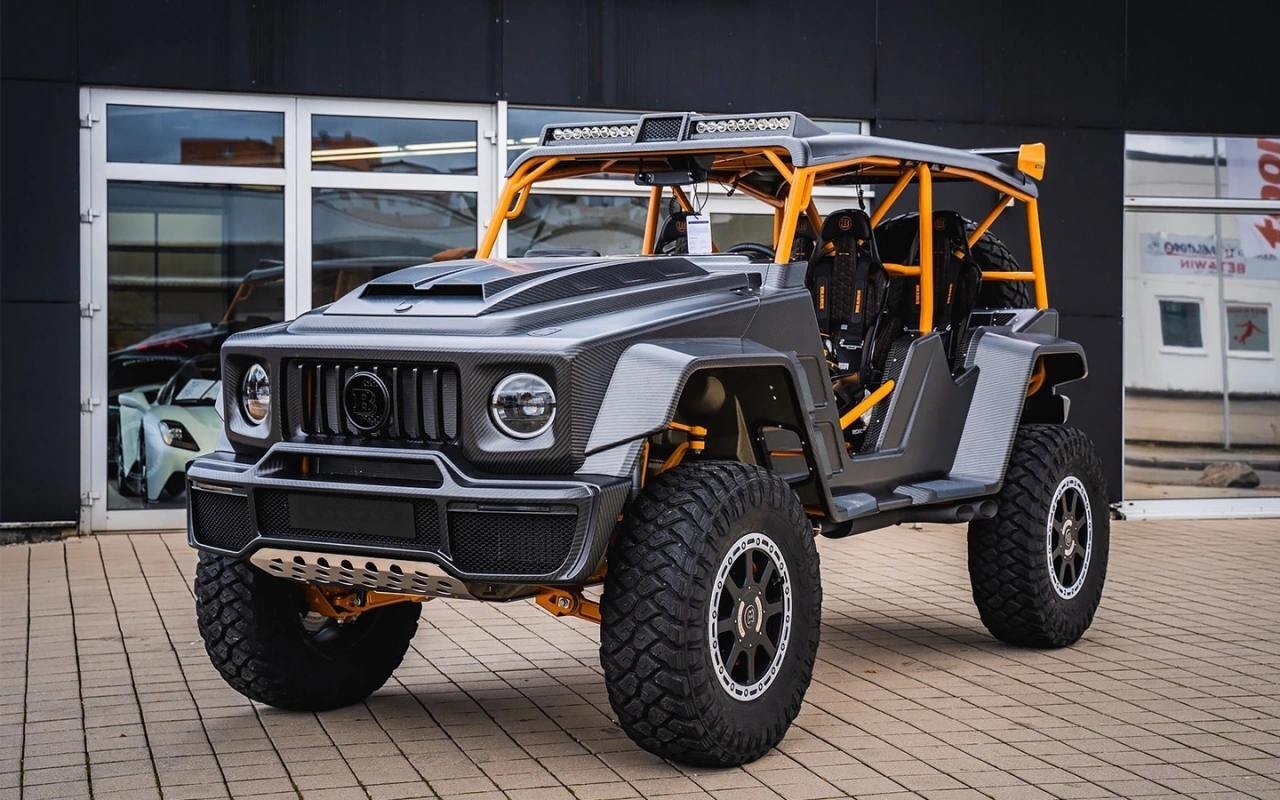
#Mercedes
-
- 1 комментарий
- 146 просмотров
-
- 1 комментарий
- 227 просмотров
-
- 1 комментарий
- 156 просмотров
-
- 1 комментарий
- 151 просмотр
-
- 1 комментарий
- 88 просмотров
-
- 1 комментарий
- 144 просмотра
-
- 1 комментарий
- 132 просмотра
-
- 1 комментарий
- 148 просмотров
-
- 1 комментарий
- 128 просмотров
-
- 1 комментарий
- 134 просмотра
-
- 1 комментарий
- 153 просмотра
-
- 1 комментарий
- 150 просмотров
-
- 1 комментарий
- 127 просмотров
-
- 1 комментарий
- 934 просмотра
-
- 1 комментарий
- 1 021 просмотр
-
- 1 комментарий
- 353 просмотра
-
- 1 комментарий
- 798 просмотров
-
- 1 комментарий
- 700 просмотров
-
- 1 комментарий
- 703 просмотра
-
- 1 комментарий
- 662 просмотра